Compliance Evidence Collection: Live Reports vs. Point-in-Time Snapshots
Learn more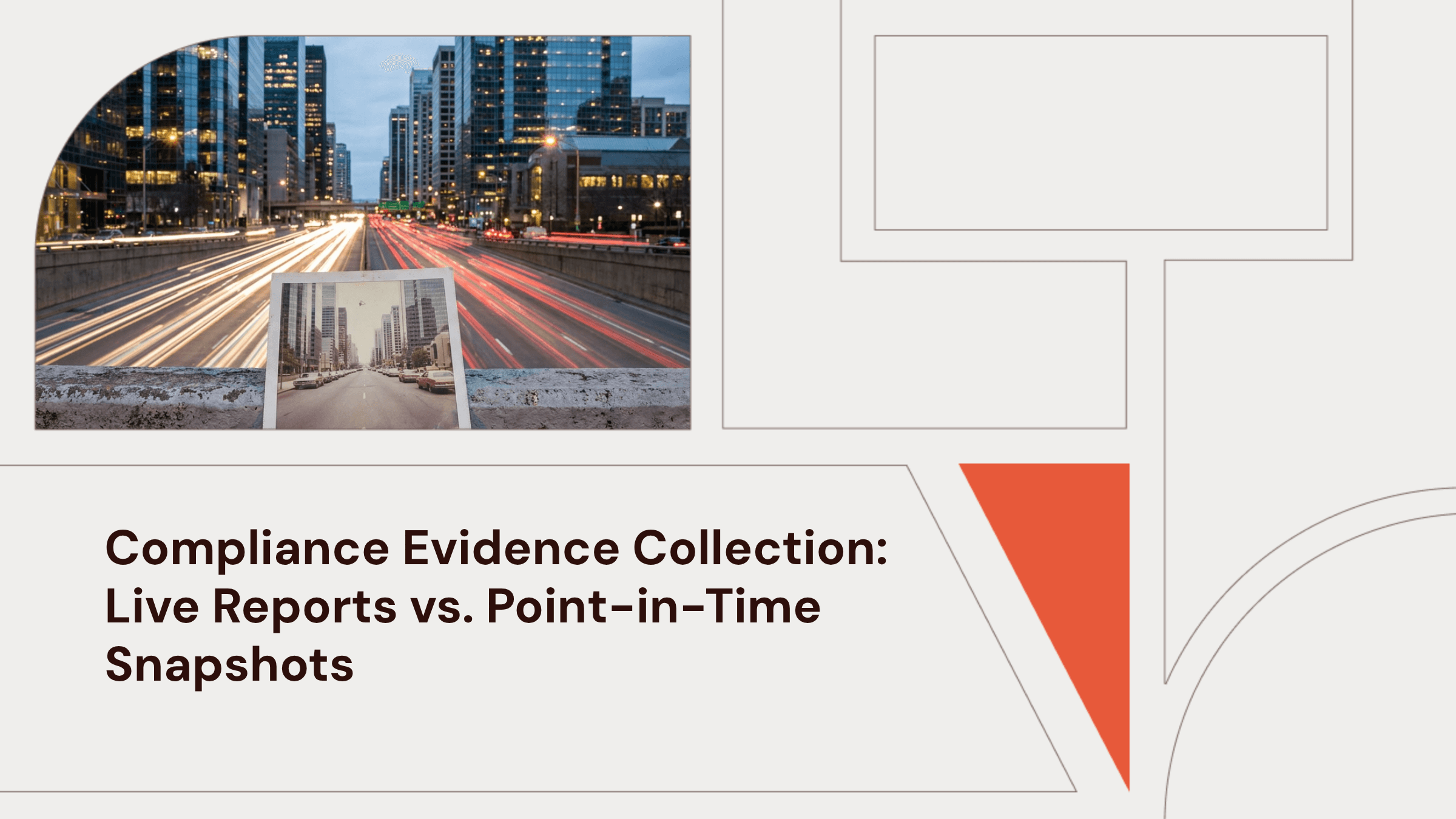

Josh Zweig
July 17, 2026
In this article
Key Takeaways
- A point-in-time check confirms what your team fixed in one day. It makes no promise about the 364 days that follow.
- Compliance automation platforms gather evidence fast through system integrations. They leave deployment and repair work to your team.
- Controls can drift quietly between audits, which is why second audits can surface exceptions the first one never showed.
- When evidence comes from live, enforced controls, audit prep becomes a report pull. The team does not have to rebuild the past.
- The snapshot-versus-live distinction holds across compliance frameworks, because all of them ultimately ask whether controls kept operating.
Midway through an audit, the auditor asks for twelve months of proof that disk encryption stayed enforced. You pull the report and find laptops that fell out of enrollment months ago. The dashboard stayed green, so the team had no clear signal that coverage had changed. Most teams gather compliance evidence in a sprint, pass the audit, then shift attention back to other work.
Old-school compliance evidence collection captures a single day and calls it done. A live system keeps proving the same thing every day after, without anyone chasing it down. For a lean team, that difference can decide the second audit without adding headcount.
Get a live demo to see what a live compliance report looks like for your fleet, pulled from real control state.
A Point-in-Time Check Expires the Moment It's Done
A point-in-time check tells you whether the controls were working on the day someone looked. A risk assessment or snapshot audit shows you what needs fixing and confirms whether it got fixed. The check itself does not keep you compliant afterward, because it does not keep the controls running.
SOC 2 reports build this same split into the report itself. A Type 1 report checks that controls exist and function at a single moment, the same kind of check just described. A Type 2 report checks whether those controls worked over several months instead, and that takes ongoing evidence, such as logs, access reviews, incident records, and change documentation. The Type 2 exists because a snapshot tells a customer nothing about whether a company is stuck with its program.
The same split shows up in every major framework, though each one names the two checkpoints differently. Whatever the label, every framework is asking the same thing. Did the controls hold up after the auditor left?
| Framework | The Point-in-Time Event | What Continues Afterward |
|---|---|---|
| SOC 2 | Type 1 checks controls at one moment | Type 2 requires evidence across a 6–12 month observation window |
| ISO 27001 | Certification audit, valid for three years | Annual surveillance audits test continued operation |
| HIPAA | Baseline risk assessment | HHS requires ongoing risk analysis so security measures stay current |
A company can pass an audit and later drift out of compliance over one missed access review or one new cloud misconfiguration. The certificate doesn't send an alert, and customer reviews eventually surface the problem.
Why Manual Compliance Evidence Collection Takes Months
If you've never run one, a full compliance risk assessment can take a couple of months to complete manually, and ISO 27001 in a manual environment can stretch longer because assessment and setup work happen before any auditor shows up.
Manual preparation time clusters around five audit tasks, and a lean team has to work through them in sequence while still running the business day to day. Here's where the time goes:
- Pulling stakeholders into policy work and procedure documentation, then rewriting those documents so they match day-to-day operations.
- Gathering risk assessment data across repeated checks and multiple document versions.
- Building a reliable evidence routine for access review screenshots and configuration log exports.
- Drafting policy so it reflects real operating practice, then routing it through multiple reviewers.
- Implementing controls before the audit work even begins.
Manual audits take time because teams have to coordinate people and track down documents, and when records are missing, people fall back on memory instead. None of that is security work, which is why the market built automation to handle it, and why it's worth being precise about where that automation stops.
Compliance Automation Reads Controls but Doesn't Deploy Them
Governance, risk, and compliance (GRC) platforms such as Vanta and Drata collect evidence by connecting directly to your cloud provider and identity provider. They pull ticket context and map what they find to framework controls. That read layer removes most of the screenshot-and-export scramble and flags issues sooner than a manual assessment.
These platforms read the state of your environment, but deployment and repair still happen outside the platform. When a GRC platform detects a failing control, it can create remediation guidance or route the issue to an owner, and someone still has to make the underlying change. Until they do, the control stays broken while the finding sits in a queue.
Even with that automation, the manual work that remains still costs time during every audit. A dashboard you only check quarterly is still a point-in-time program with better tooling. Speeding up the assessment and running the controls are two different jobs, and only one of them protects you between audits.
Controls Drift Silently, and the Second Audit Finds It
Configuration drift happens when the controls your auditor approved slowly stop matching what is running. An organization can fall out of compliance without being aware of it, because no single change trips an alarm. The drift patterns repeat across companies:
- An engineer spins up new cloud resources with default settings that violate the approved baseline.
- A developer loosens a firewall rule to unblock a deployment and never reverts it.
- Service accounts accumulate permissions nobody reviews.
- A software update quietly resets a security baseline.
Drift happens when verification depends on someone remembering to look, especially when one person is covering IT, security, and audit prep at the same time. Teams can prevent configuration drift by moving verification from a calendar reminder to an automated check. Without that automation, drift keeps building until the next audit catches it, and the specific mechanism differs by framework.
A SOC 2 renewal has to prove controls operated across the preceding year. Once a failure lands inside that look-back, there's no way to create the missing evidence after the fact, and it goes straight onto the report customers see at renewal time.
The same problem hits ISO 27001 through its annual surveillance audits, but what usually slips isn't a technical control. Risk assessments, vendor reviews, and tabletop exercises fall off the calendar because nobody owns the cadence. Year two is usually when customer growth accelerates too, which is exactly when that report counts most for your sales team.
Live Evidence Comes From Controls That Stay Enforced
A live report never falls behind, because it doesn't wait for an audit window to prove what happened. With continuous compliance, enforced controls generate that evidence every day, whether or not someone remembers to check. When you enforce encryption on every device and the enforcement engine logs every check and every fix, the audit trail writes itself. The answer to "what was running on day X" becomes a query instead of an archaeology project.
| A Point-in-Time Snapshot | A Live Report |
|---|---|
| Shows posture on the day someone checked | Shows what's running right now |
| Documents that tools exist | Verifies tools stay deployed, configured, and enforced |
| Catches drift at the next audit, if at all | Closes exceptions the moment they open |
| Satisfies an auditor | Stands behind customer commitments year-round |
Zip Security builds the enforcement layer that makes a live report possible in the first place. As a Built and Managed Security Platform (BMSP), Zip takes over Jamf, Microsoft Intune, CrowdStrike, and Okta for lean teams, configures them correctly, and keeps them running instead of just watching for red flags. Because the platform enforces the controls behind compliance itself, the evidence reflects what's running instead of what a dashboard assumes. Every self-healing fix gets a timestamp your auditor can pull up directly.
Phoebe, a health tech company, saw this problem firsthand. Its compliance tool showed "covered" while mobile device management (MDM) and endpoint detection and response (EDR) sat unenforced underneath. After switching to Zip, the team went from unenforced controls to full enforcement and 100% device coverage in three days. Vanta and Drata read security state, and Zip writes it, so the reports those platforms generate stay true.
Process controls, such as vendor reviews and change documentation, and people controls, such as training and offboarding, both still sit with your team. A fractional CISO often keeps these items on the calendar as part of a year-round continuous compliance strategy.
Five Moves From Snapshot to Live Evidence
Moving from point-in-time snapshots to live evidence doesn't require a full platform migration or a six-month project. It's a sequence of five moves, each one closing a specific way snapshots fail. Work through them in order and the shift becomes measurable instead of aspirational.
- Establish the denominator by comparing identity provider records against MDM enrollment. That tells you how many devices need coverage, so progress toward 100% becomes measurable instead of assumed.
- Enforce the technical baseline everywhere by keeping disk encryption and EDR enforced on every device and requiring multi-factor authentication (MFA) on every account, so endpoint compliance stays in place without a person checking each machine.
- Close exceptions automatically, since detection alone just builds a queue. Pairing drift alerts with self-healing security closes a lapsed control in hours, before the next audit.
- Calendar the annual controls now, since no platform can automate them away. Put risk assessments, vendor reviews, and tabletop exercises on the same recurring schedule.
- Keep the source and date for every record. An auditor may challenge screenshots with no date or exports with no clear source, which extends fieldwork and raises the odds of findings.
After those changes, the audit window stops being an event. Evidence exists because controls run, and controls run because enforcement is automatic.
Make the Audit a Report You Pull
Compliance has to run every day, but the audit only records the day someone checks. Customers, insurers, and auditors are all asking a version of the same question in different words. Is it still running? Live evidence tied to enforced controls answers that question any day of the year, so you stay audit-ready without rebuilding the case every cycle.
Whether the next ask comes from a SOC 2 renewal, an ISO 27001 surveillance audit, or a customer security review, the answer comes from the same place. Zip enforces the technical controls underneath your program and generates that proof as it goes, so you get to stop assembling evidence and start pulling it.
Zip helps you get secure in 14 days or less, from tool configuration to enforced baseline. Schedule a demo and walk into your next audit window with evidence already generating.
Frequently Asked Questions about Compliance Evidence Collection
Can the same evidence satisfy SOC 2, ISO 27001, and HIPAA at once?
Largely, yes. These frameworks share many evidence-bearing control areas, especially access management, encryption, incident response, change management, vendor oversight, backups and recovery, audit trails, logging, and risk assessments. When the same control maps to more than one framework, teams can often test its evidence once and reuse it across both. That keeps a lean team from proving the same control three separate times.
What evidence resists automatic collection?
Some evidence still resists automated collection. Auditors may ask for proof that an application enforces access rules, plus application screenshots and workflow documentation. They may also want confirmations only a person can give. An auditor may want to see that a user can't reach the admin panel, for example, and a role export doesn't show that. Budget time for this residue up front, because assumptions that automation covered everything can leave you unprepared for fieldwork.
How much time does continuous monitoring save on audit prep?
It can turn audit prep from reconstruction into validation. Security management and reporting tools may automate updates to key evidence needed for ongoing authorization decisions. Teams review evidence that already exists instead of rebuilding logs and access reviews after the fact or chasing vulnerability reports from old exports. Teams spend less time scrambling and more time reviewing evidence that already exists.
Does live evidence collection replace the audit itself?
Live evidence collection changes the preparation. An independent auditor still tests your controls, and ISO 27001 still requires annual surveillance audits across its three-year certificate cycle. The evidence already documents the observation window before fieldwork starts, so there's nothing to reconstruct and far less to explain.
Does the same live evidence help with customer security questionnaires?
Yes. Enterprise questionnaires are easier when answers draw from the same live evidence that supports your SOC 2, because those answers stay consistent with your audit documentation. That consistency lets a small company respond credibly even without security staff dedicated to questionnaire work.
In this article
Get started with Zip
Learn more about Zip's MDM, EDR, IT, and Compliance solutions and we'll find the right fit for you.
Related articles
What Your Security Questionnaire Really Says About Your Business
August 27, 2026
Fake Claude Installer Malware: What We Found and What to Do
July 27, 2026
EDR vs. Antivirus: Understanding the Difference and Choosing the Right Approach
July 24, 2026
Learn more
Questions about this article? Get in touch with our team below.