Device Management
Run Intune without the setup and upkeep headache.
Zip Security installs and manages Intune for Windows in one automated workflow. Enforce baseline policies, flag and fix drift quickly, and keep devices secure by default.
- Automated onboarding and offboarding workflows
- Streamlined Intune management for lean IT teams
- Fully operational in 14 days




Step 01
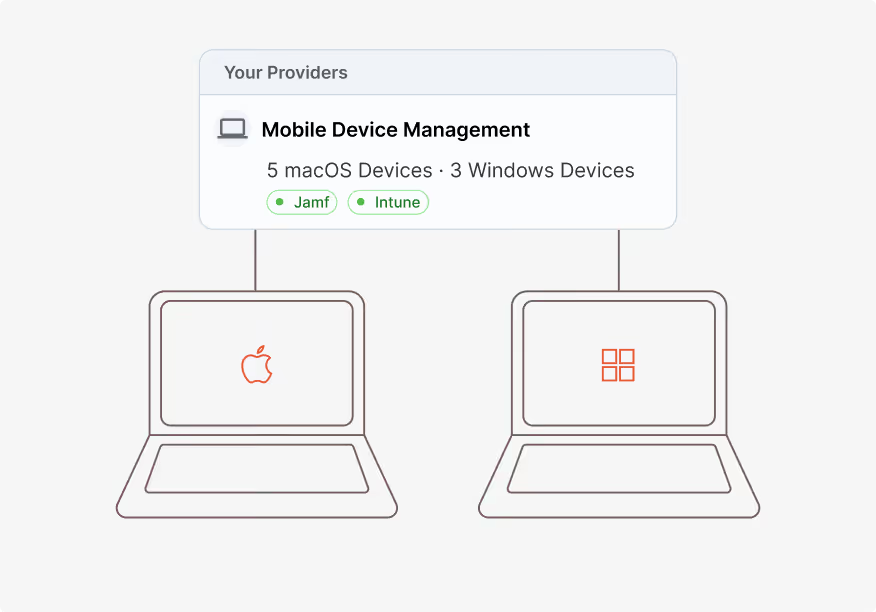
Get your devices organized in Intune
- Bring device management into one consistent workflow
- Standardize onboarding and offboarding so steps do not get missed
- Maintain a clear inventory of managed Windows devices
Step 02
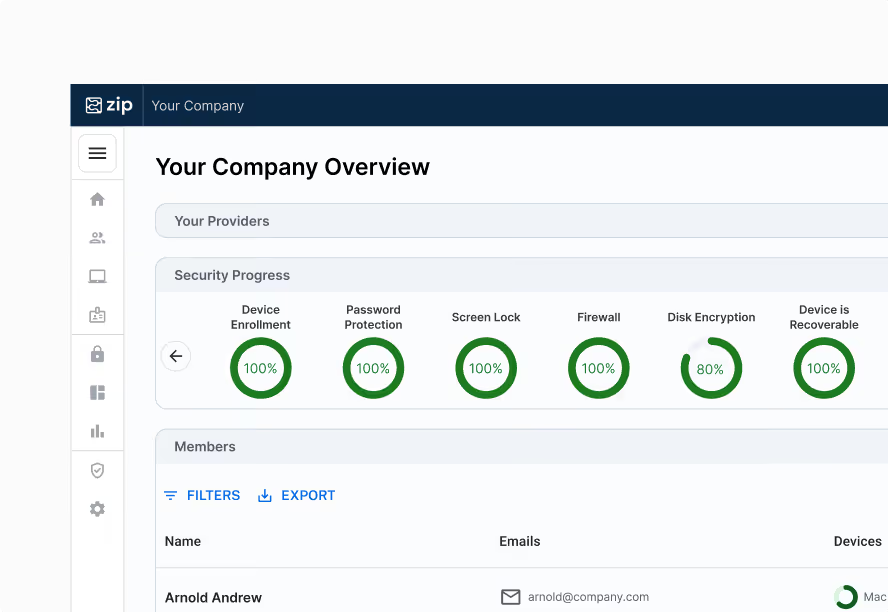
Deploy an enforceable security baseline
- Push key policies like encryption, firewall, screen lock, and OS updates
- Make policy enforcement consistent across endpoints
- Reduce configuration gaps that show up during audits or incidents
Step 03
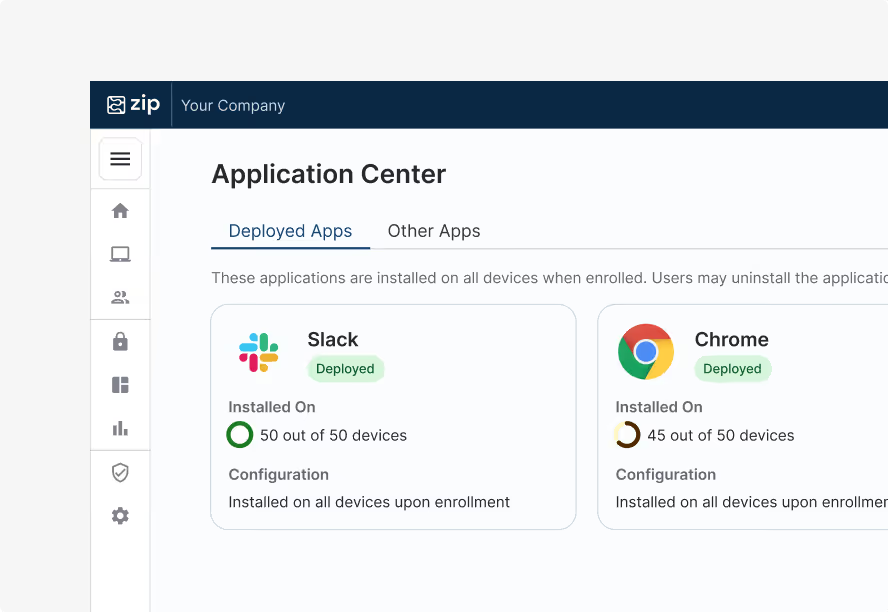
Detect and fix drift automatically
- Identify configuration drift across Windows devices in real time
- Auto-fix where possible or route automatically triaged alerts to Slack or Teams
- Keep your fleet consistent as devices and users change
Why teams choose Zip Security for Intune management
Zip Security doesn't replace Intune. It makes Intune simpler to run and more reliable day to day.
Built on top of Intune, not a replacement
Launch from scratch or connect your existing Intune setup.
Automated enforcement of baseline policies
Encryption, firewall, screen lock, OS patching. Pushed automatically across the fleet.
Continuous drift detection
Detect and remediate drift so issues are caught early, not after an incident.
Zero-touch onboarding and offboarding
Devices come online secure by default, and offboarding steps do not get missed.
Designed for teams of 0 to 2 IT people
Zip Security handles the work of a larger IT function, without adding headcount.
Fast to launch
From kickoff to fully operational in 14 days.
What to expect in your first 14 days
Days 1–5
Setup
- Confirm device environment and enrollment approach
- Connect Intune and identity systems
- Define the baseline you want enforced
Days 6–10
Deployment
- Roll out baseline policies across Windows
- Establish onboarding and offboarding workflows
- Validate device coverage
Days 11–14
Automation
- Turn on drift detection and alert routing
- Set steady-state operating processes
- Deliver a control center view of posture and compliance
“All of the Intune configurations and policies that we have put in place with Zip have been well received, non-disruptive. IT is happy, and that obviously makes me happy.”
Staff Enterprise Security Engineer
Take the headache out of managing hybrid environments
Zip Security integrates directly with Microsoft Intune and Jamf so teams can manage Mac and Windows devices from one platform. Zip Security handles setup, policy alignment, and day-to-day operations behind the scenes, so you can enforce consistent standards, keep visibility across your fleet, and run both tools without deep expertise or added overhead.

Intune is powerful. Zip Security makes it easy to run.
See how Zip Security manages Intune for small teams with enforceable policies, drift detection, and automation across Windows devices.